





IBM Granite-Docling AI Model
Intelligent Document Processing
(IDP)
Author: Keith Tobin
Email: keith.tobin@gmail.com
Date: Oct 31, 2024
Version: 1.0.0
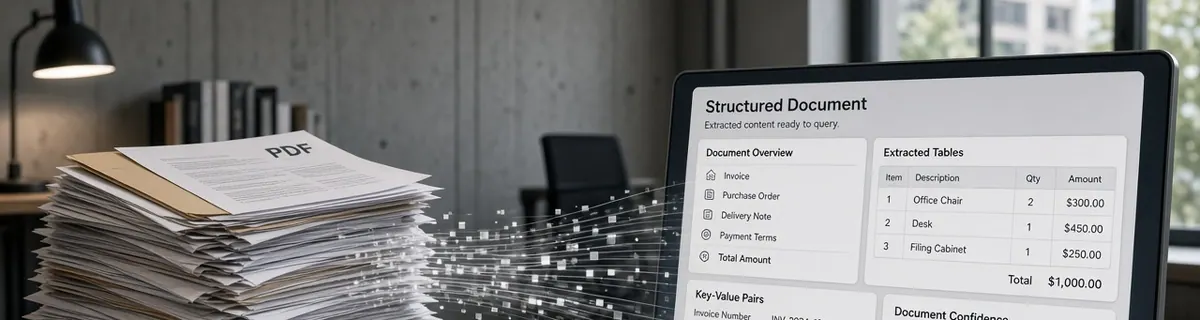
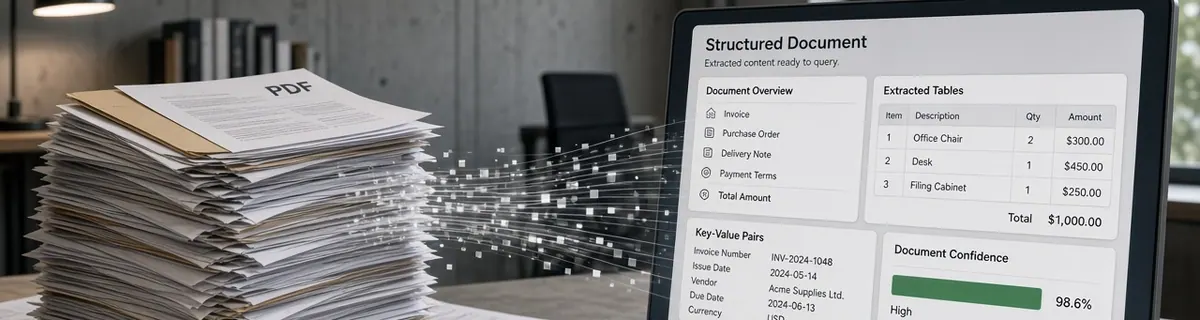
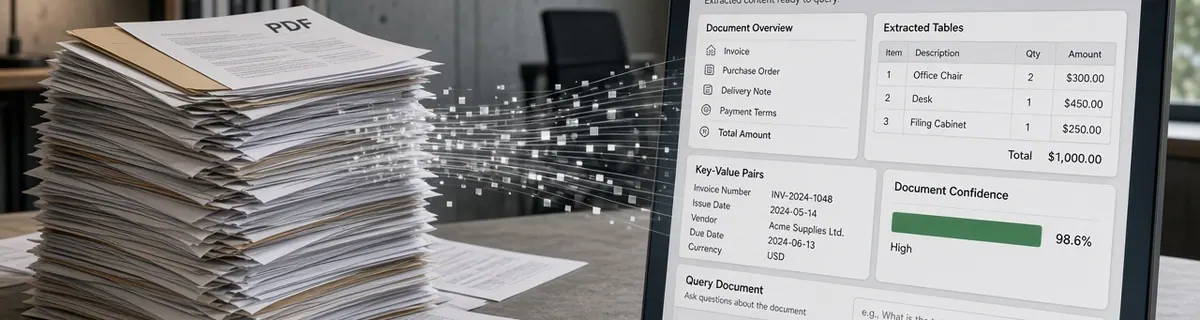
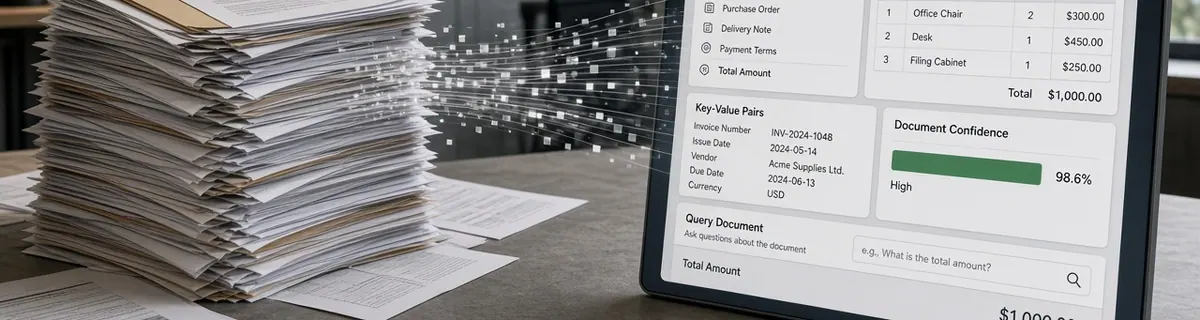
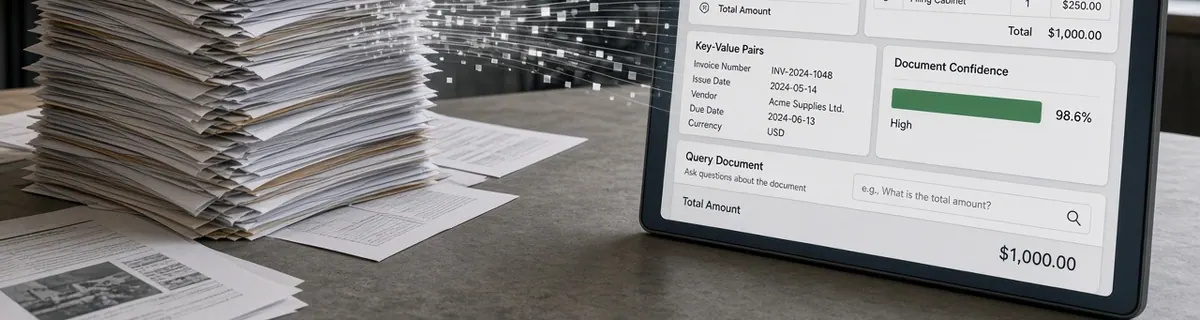
Have you ever wished your documents could actually think? Instead of staring at lifeless PDFs or static scans, imagine interacting with documents that understand their content. What if you could query an invoice, analyze a medical report, or explore a research paper as if you were talking to a human expert? That’s the power of IBM Granite-Docling, a groundbreaking model that brings cognition to documents. In this post, we’ll explore how Granite-Docling is one of several AI models redefining traditional OCR by turning flat, static documents into dynamic, intelligent data sources. By the end, you’ll understand why this represents a significant leap forward in document AI, and how you can harness Granite-Docling yourself, whether in the cloud or directly in Google Colab.
A New Kind of Vision
IBM Granite-Docling isn’t just another OCR tool; it’s an AI model built for accurate document understanding. Traditional OCR reads text. Granite-Docling comprehends structure. It understands how headings, tables, captions, and lists interact, and transforms that raw data into a structured markup known as DocTags. DocTags act like a semantic map of the document, capturing hierarchy, meaning, and relationships between visual and textual elements. When you process a research paper or a contract, the model doesn’t just output text; it provides a rich, hierarchical structure ready for analytics, automation, and reasoning. You’re not just digitizing documents anymore. You’re teaching them to explain themselves.
Why Granite-Docling Type of Models are a Game-Changer
The brilliance of Granite-Docling and this type of model lies in its fusion of vision and language. Most document systems treat a page as a set of pixels. Granite-Docling sees a story. It understands that text in a box may represent a form field, that rows of numbers form a table, that captions belong to images, and that bold text often indicates hierarchy. Because it is multi-modal, the model blends image and text understanding, giving enterprises a new kind of document intelligence, one that’s contextual, relational, and deeply aware. This changes how businesses think about data. You no longer have to read thousands of documents; you can *understand* them automatically.
Real-World Impact
Imagine a world where every PDF, scan, and report doesn’t just contain data, it actively provides it. Structured, validated, and ready for automation. Granite-Docling type model makes that possible.
Automating the 'Last Mile' of Data Entry
For decades, systems like ERP and CRM have evolved, yet data input has remained a manual bottleneck. Granite-Docling breaks that barrier.
- Finance:
Instead of manually keying in vendor data, invoice numbers, and amounts, Granite-Docling extracts them with high accuracy and feeds them directly into ERP workflows. The result is near-zero-touch processing, faster reconciliation, and fewer human errors.
- Supply Chain & Logistics:
Customs declarations, shipping manifests, and packing lists can now become structured datasets. Granite-Docling enables real-time insights into shipments and inventory without the delay of manual review.
Enhancing Governance and Compliance
Compliance-heavy industries can now turn a tedious process into an automated one. Granite-Docling doesn’t just extract text — it identifies context and intent.
-Legal:
Quickly locate clauses, obligations, and effective dates across thousands of contracts. Instead of days of manual review, compliance teams can execute searches in seconds and automatically classify legal obligations.
-Healthcare:
Medical billing, claim forms, and diagnostic reports are transformed into structured, error-free datasets. Patient IDs, procedure codes, and financial data are captured with accuracy, reducing costly manual errors and improving care efficiency.
Accelerating Knowledge and Discovery
Human knowledge is often buried in PDFs, research papers, and scanned archives. Granite-Docling helps unlock it.
-Research & Academia:
Extract tables, methods, and findings across thousands of academic papers automatically. Build structured, queryable datasets that accelerate research and enable large-scale meta-analysis.
This represents a profound shift, from *storing information* to *activating it*. Granite-Docling transforms unstructured files into intelligent data streams that drive analytics, AI, and automation.
Try It Yourself
Surprisingly, it's not hard to get started. Here is a quick step-by-step guide to try it out.
Step 1: Get a Google CoLab
If you do not have a Google Colab account, you will need one to try this out. You need access to a GPU/TPU with some power, and for theis we will use Google Colab andtheire TPU. You do not need to access the Paint service; you can just use Google Colab for free, and you will get access to a TPU and enough resources to try this demo out. You will also need a Google email for this.
-Go to Google Colab and use your email to sign up and log in.
Step 2: Create a new notebook
-Click the new notebook blue button, and you will be presented with the following notebook where you will be pasting the code, configuring the runtime, and pressing run.
Step 3: Configure runtime
-Click the menu at the top ‘runtime’, then click the menu item ‘change runtime’, and you will be presented with the run time selection. Select the ’ TPU’ option and click the save button, and you have selected to use the TPU runtime to process the Python code we will paste in the next step.
Step 4: Copy code
-Next, copy the code from the code box below and p[ainst it into the Colab window in the following code into the notepad.
-After copying and pasting the code, your Colab window should look like this.
Step 5: Run code
-On the Google Colab page, you will see to the left the play button beside the code; click this button to run the code, and the code will execute on the TPU. It will load the AI model and a document to process, then process the document and provide results like this.
Step 6: Inspect results
-The returned results are after granit-doclin processes the downloaded PDF. The information returned is extensive, and you can use it as part of a much more complex system for processing documents into all sorts of use cases.
Final Thoughts
IBM Granite-Docling represents a new era of **Intelligent Document Processing**. It’s not just extracting data; it’s understanding meaning. From finance to healthcare to research, it bridges the gap between static content and intelligent automation, enabling systems that think with your documents. This isn’t the future of document processing. With Granite-Docling, it’s already here.